
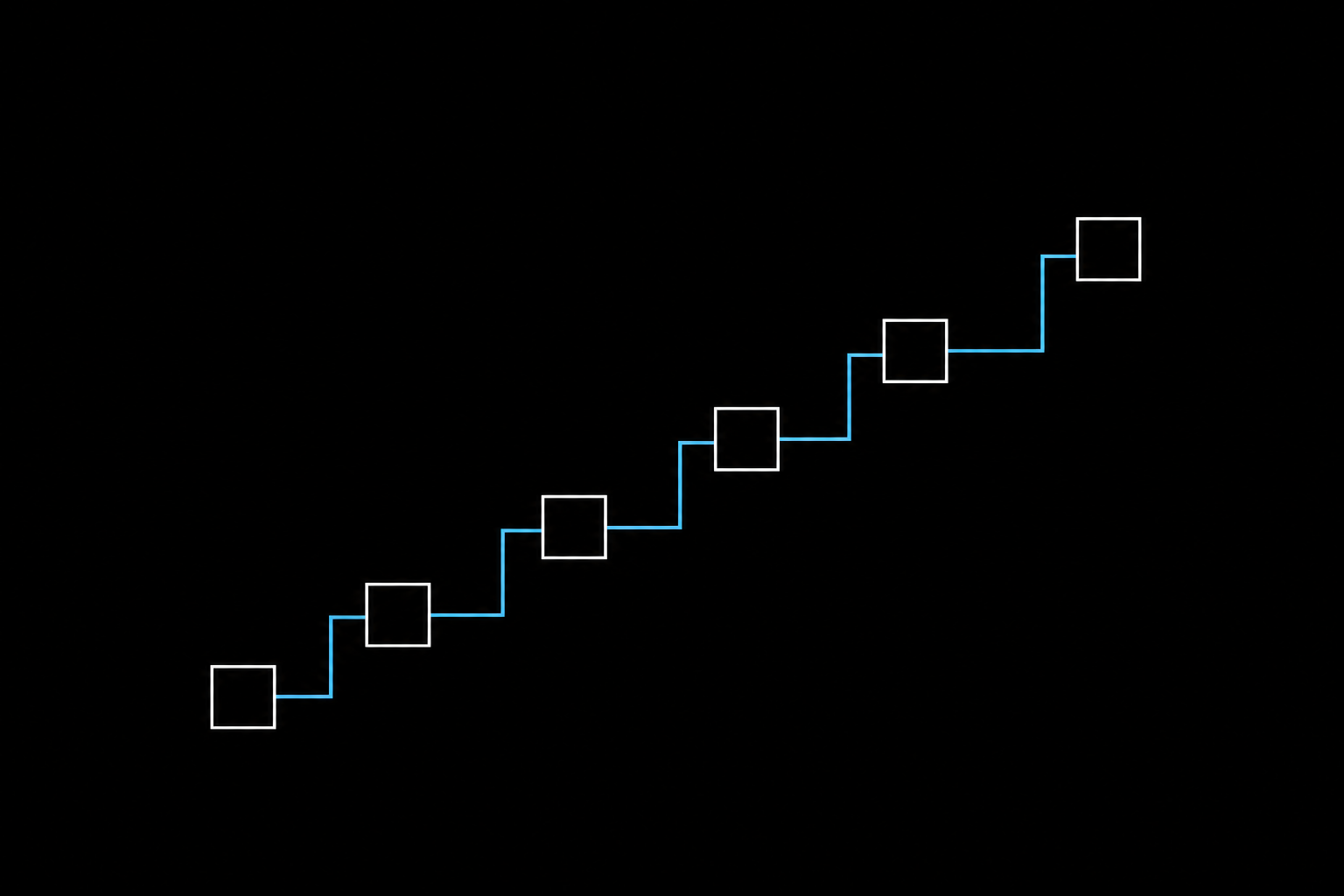
Ship a browser agent into production and you meet the same problem everyone meets. The first run on a new site is fun to watch. The agent pokes around, finds the button, parses the response, finishes the job. The hundredth run is depressing, because it does the exact same discovery again and bills you for it again.
Browserbase calls this the discovery tax, and the phrase fits. A naive loop pays the full cost of figuring out a site on every single run, and that cost graph goes up and to the right forever. The fix is memory: a place to put what the agent learned so the next run reads it instead of re-deriving it.
The catch is that “memory” means six different things depending on how durable and how legible you need it. Here is the ladder, from the flimsiest to the most structured, with what each one is good for and where it falls apart.
TL;DR. Agent memory runs from nothing (re-explore every run) up to a structured capability model of a site. Caches are cheap but brittle. Self-improving skills and capability graphs are durable and legible, but the first run costs more. Pick the lowest rung that survives your traffic.
1. No memory: re-explore every run
This is the default, and most agents in the wild still live here. A model drives a browser, solves the task in the moment, then closes the session and forgets everything. Open-source loops like browser-use, or a coding agent told to “go use this site,” all behave this way out of the box.
Best for: one-off tasks, throwaway scripts, and sites you touch once.
Where it breaks: anything repeated. You pay the discovery tax on run two, run ten, and run one thousand, and you never get an artifact you can hand to a teammate.
2. Transcript and vector memory
The first instinct is to save the run. Store the trace, embed it, drop past sessions in a vector database, and retrieve the relevant bits next time. The filesystem plays a role here too: agents offload a bulky DOM or a scraped JSON blob to disk and read back only the slice they need, the same trick Claude Code and similar agents use to survive long tasks.
Best for: working memory inside a long task, and rough recall of what happened before.
Where it breaks: durability and trust. A transcript is a record of one run, not a reusable plan. Retrieval pulls back noise as often as signal, and nobody on your team can read an embedding and understand what the agent will do next.
3. Selector and action caching
A tighter idea: remember the selector that worked. The button labeled “checkout” had a stable path last time, so try that path first and fall back to model inference only if it misses. Browserbase runs this as an action-level cache inside its harness, sitting between raw page snapshots and full skills.
Best for: cutting token spend on stable, high-frequency flows where the layout rarely moves.
Where it breaks: a redesign. The moment a site ships new markup, cached selectors miss and the agent drops back to full inference. The cache holds coordinates, not understanding, so it cannot reason about why a step exists.
4. Deterministic record-and-replay
Record a human clicking through the task, then generate a script that repeats those clicks. This is the classic path, and Playwright’s codegen is the familiar example: perform the flow once, get runnable code out.
Best for: fixed, well-understood flows that need zero model calls at run time. Cheap and fast when the path never changes.
Where it breaks: the same brittleness as caching, minus the fallback. A recorded script has no model in the loop, so a layout change or an unexpected modal stops it cold. It captures the clicks, not a model of what the app can do.
5. Self-improving skills (agent self-play)
Here the agent writes its own memory. Give it a real task, let it run end to end, then let it read its own trace and iterate until the workflow is reliable rather than lucky. Once consecutive runs stop improving, it graduates the winning path into a SKILL.md plus deterministic glue. This is Browserbase’s Autobrowse, and the graduated skills feed a public catalog, Browse.sh, with more than 100 skills and 3.6k stars on its GitHub repo.
The numbers are the selling point. Browserbase reports a generic Craigslist loop at roughly $0.22 per run dropping to about $0.12 after four Autobrowse iterations, a 45% cut driven purely by better memory. An early form-fill task fell from $1.40 to $0.24 per run over four iterations, per their Autobrowse write-up.
Best for: exploration-heavy sites where the shortest reliable path is genuinely hard to find, like hidden JSON endpoints or multi-step wizard flows.
Where it breaks: the first run is expensive on purpose, so the model only pays off with reuse. And it is the wrong tool for plain parsing. Browserbase spent about $24 across four iterations on a 167-row static HTML page before conceding that 200 lines of deterministic Python solved it in under a second.
6. Record-and-distill to a capability graph
The last rung captures a real session, including a human handoff for the tricky step, and distills it into a durable model of what the app can do, not just one task path. From that model you materialize either a deterministic replay script or a standalone CLI that ships its own SKILL.md.
This is the approach behind Webcmd. It records a browser task into a journal, distills it into a per-app capability graph that deduplicates across sessions, and emits a workflow or a CLI grounded in that graph. Two design choices set it apart from pure self-play: it can lean on a captured human demonstration instead of paying for several exploratory iterations to converge, and it keeps a reusable graph per app rather than a file per task. It is Apache-2.0 and self-hostable, and it is early (v0.1.2 as of writing), so it trades a mature catalog for a model you run and inspect yourself. If you are building agents that hit the same handful of sites constantly, it is worth a look.
Best for: a stable set of apps you automate repeatedly, especially anything behind a login where auth and identity have to persist.
Where it breaks: overkill for a site you visit once, and it shares the exploration family’s blind spot: if the data is right there in static markup, write a parser and skip all of this.
How the six compare
| Approach | Durable? | Legible to humans? | Run-time cost | Survives a redesign? |
|---|---|---|---|---|
| Re-explore every run | No | No | High, every run | Yes, by re-paying |
| Transcript / vector | Weakly | No | Medium | Partly |
| Selector / action cache | Weakly | Barely | Low, with fallback | No |
| Record-and-replay | Yes | Somewhat | Very low | No |
| Self-improving skills | Yes | Yes | Low after first run | Re-graduate |
| Capability graph | Yes | Yes | Low after first run | Re-distill affected paths |
The pattern in the table is the real lesson. Cheap-to-build memory (caches, recordings) is brittle. Durable, legible memory (skills, graphs) costs more to create and pays that back across every later run.
How to choose
Start at the bottom of the ladder and climb only as far as your traffic forces you.
flowchart TD
    A[Repeated task on this site?] -->|No| B[Re-explore, no memory]
    A -->|Yes| C[Is the data in static markup?]
    C -->|Yes| D[Write a deterministic parser]
    C -->|No| E[Does the flow change often?]
    E -->|Rarely| F[Record-and-replay or selector cache]
    E -->|It's messy / gated| G[Self-improving skill or capability graph]
Two rules keep you out of trouble. Probe with a plain fetch before you reach for a browser, because a lot of “exploration” is answered by one request against a hidden endpoint. And match the tool to the regime: high-agency memory systems earn their cost on messy, gated, exploration-heavy sites, and waste it on a static table.
The deeper point holds across all six rungs. A perfect model still has to discover, on every new site, what it would already know if it had been there before. Without a place to store that, every run is day one. The teams pulling ahead are the ones treating a solved web task as an artifact to keep, not a problem to re-solve.
FAQ
What is the discovery tax for browser agents?
The repeated cost an agent pays to re-figure-out a site it has already solved. Without stored memory, every run re-derives the same login, selectors, and endpoints, so the cost curve climbs with each run instead of flattening.
What is the difference between a browser skill and a recorded script?
A recorded script replays fixed clicks with no model in the loop, so it stops working when the page changes. A skill is a readable playbook, usually a markdown file plus helpers, that an agent loads and adapts, and that a person can audit and edit.
Do self-improving skills and capability graphs make sense for one-off tasks?
No. Both front-load cost into the first run to make later runs cheap. For a site you touch once, a plain agent loop or a quick fetch is the right call.
When should an agent skip the browser entirely?
When the data sits in static markup or behind an open JSON endpoint. Probing with a fetch first often collapses a multi-page scrape into a single request, at a fraction of the cost and with no browser session at all.