
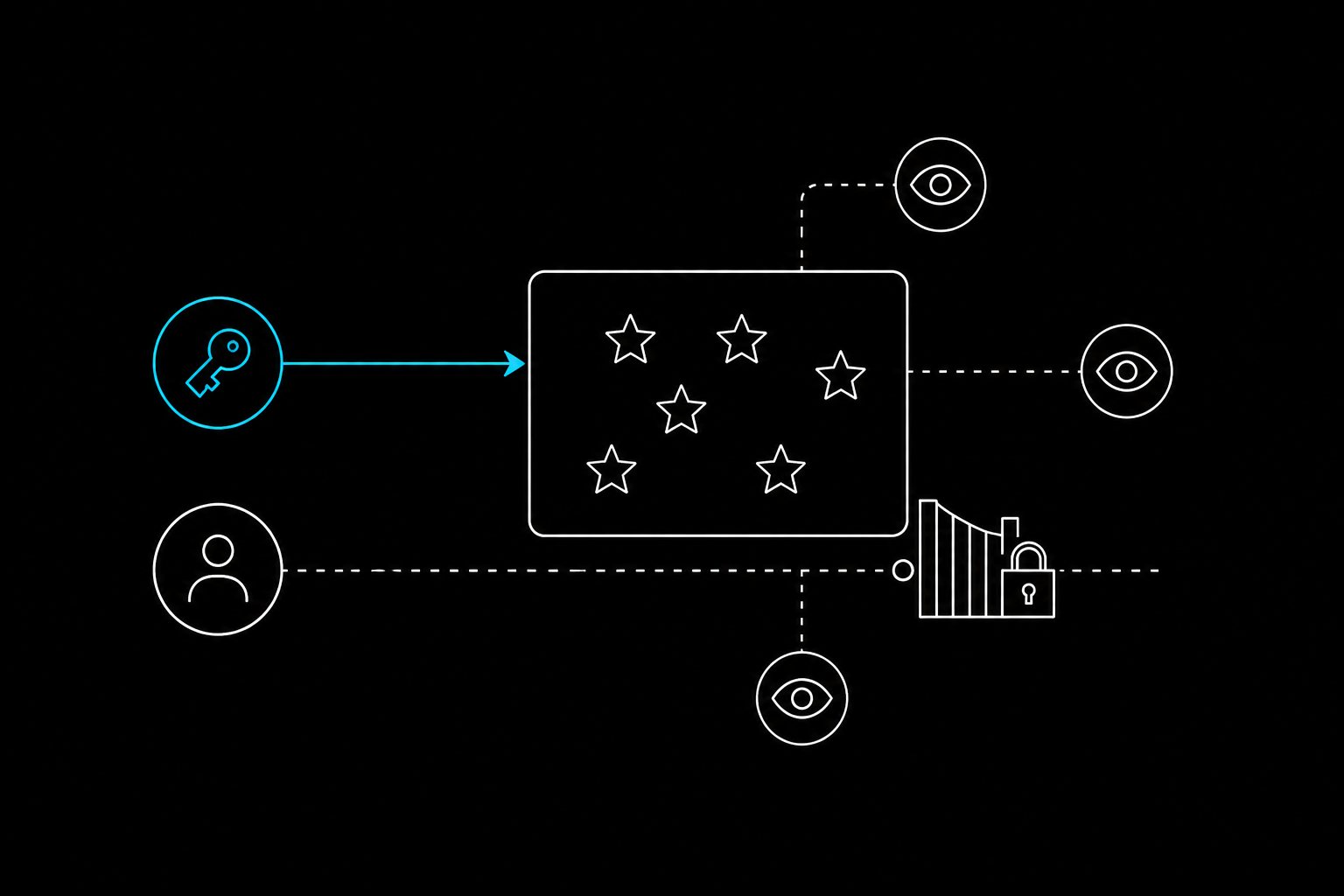
If your automation suddenly started returning 403 Forbidden or empty responses or If you're seeing 403 Forbidden from /repos/{owner}/{repo}/stargazers, this is expected after GitHub's rollout.
GitHub is restricting public access to lists of stargazers and watchers. Webcmd can keep approved automations working through authenticated GitHub CLI calls, but it cannot turn blocked data back into public data.
That distinction matters. A browser session is not a loophole, and a captured request is not a new permission. The useful Webcmd angle is less dramatic and more durable: one command surface for authorized API access, browser work, structured output, and clear failures when GitHub says no.
The Webcmd command surface keeps GitHub automation consistent while GitHub remains the source of truth for access.
TL;DR
- GitHub plans to limit repository stargazer and watcher lists to admins and collaborators.
GET /users/{username}/subscriptionsenters deprecation with empty responses, followed by removal.- Webcmd can run approved requests through the GitHub CLI with
webcmd gh api. - Account owners can use
GET /user/subscriptionsfor their own watched repositories.
What is GitHub changing?
GitHub is restricting /stargazers and /subscribers to repository admins and collaborators. It is also removing /users/{username}/subscriptions. Use the authenticated account routes instead.
Step 1: Install Webcmd
Webcmd requires Node.js 20 or newer.
node --version
npm install -g @agentrhq/webcmd
webcmd external install gh
Step 2: Sign in to GitHub
webcmd gh auth login
webcmd gh auth status
Step 3: Set the repository
REPO_OWNER="agentrhq"
REPO_NAME="webcmd"
Use a repository where your GitHub account is an admin or collaborator.
Step 4: Get the stargazers
These commands only work if your GitHub account has permission to access the requested data.
webcmd gh api \
  -H "Accept: application/vnd.github+json" \
  -H "X-GitHub-Api-Version: 2022-11-28" \
  --paginate \
  --slurp \
  "/repos/${REPO_OWNER}/${REPO_NAME}/stargazers" \
  | jq 'flatten | map({login, html_url})'
  --jq 'flatten | map({login, html_url})' \
  "/repos/${REPO_OWNER}/${REPO_NAME}/stargazers"
Step 5: Get the watchers
webcmd gh api \
  -H "Accept: application/vnd.github+json" \
  -H "X-GitHub-Api-Version: 2022-11-28" \
  --paginate \
  --slurp \
  "/repos/${REPO_OWNER}/${REPO_NAME}/subscribers" \
  | jq 'flatten | map({login, html_url})'
  --jq 'flatten | map({login, html_url})' \
  "/repos/${REPO_OWNER}/${REPO_NAME}/subscribers"
Step 6: Get your watched repositories
The old route reads another user's subscriptions. Replace it with the authenticated account route:
webcmd gh api \
  -H "Accept: application/vnd.github+json" \
  -H "X-GitHub-Api-Version: 2022-11-28" \
  --paginate \
  --slurp \
  /user/subscriptions \
  | jq 'flatten | map({name: .full_name, url: .html_url})'
  --jq 'flatten | map({name: .full_name, url: .html_url})' \
  /user/subscriptions
Step 7: Save the results as JSON
webcmd gh api \
  --paginate \
  --slurp \
  --jq 'flatten | map({login, html_url})' \
  "/repos/${REPO_OWNER}/${REPO_NAME}/stargazers" \
  | jq 'flatten | map({login, html_url})' \
  > stargazers.json
If GitHub returns an empty response or 403 Forbidden, stop the job. Webcmd follows the permissions of the signed-in GitHub account.