
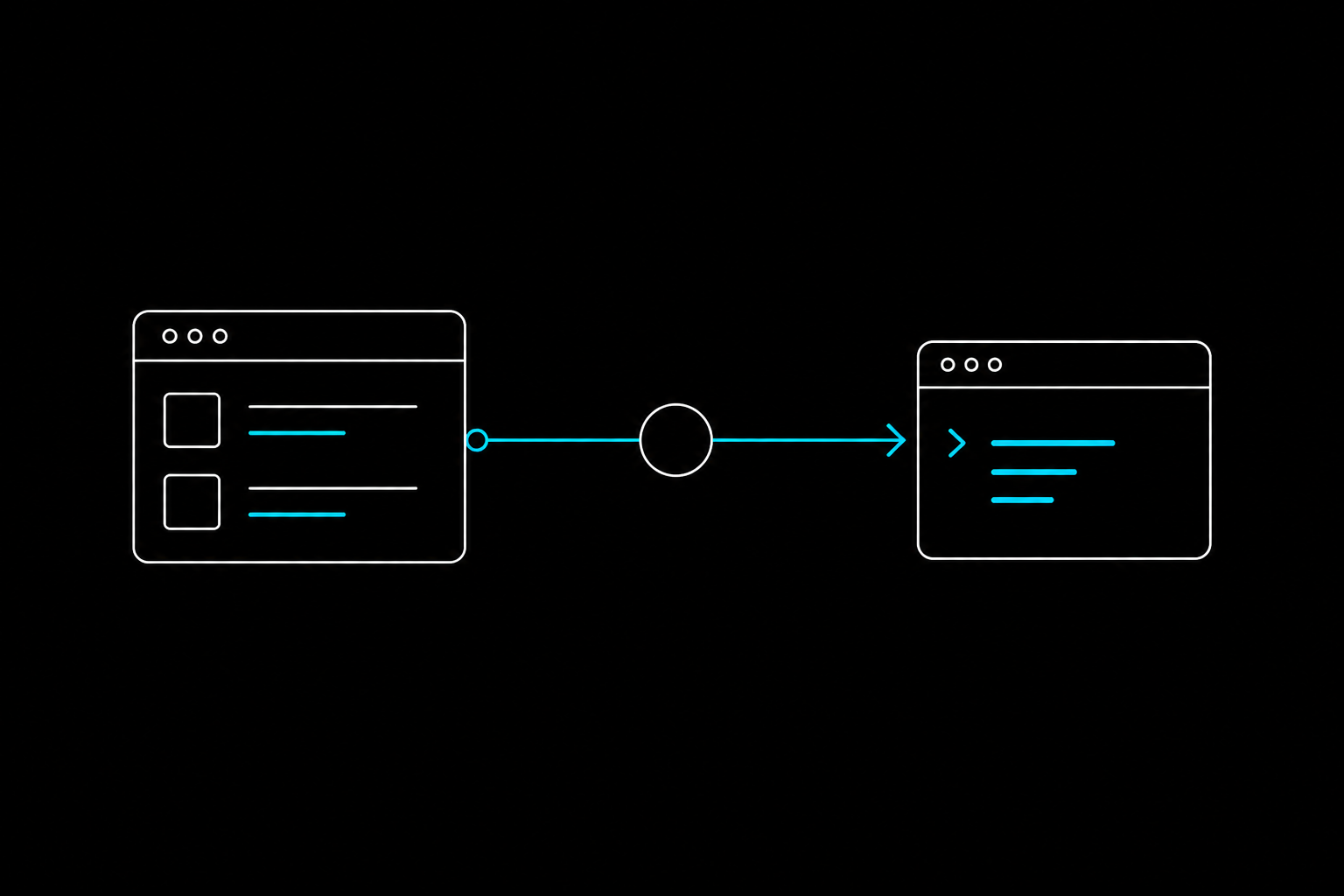
Most useful software never exposes the exact CLI you need. The data you want is trapped behind a logged-in dashboard, a clunky UI, or a JSON endpoint buried in browser state. So you write a scraping script, it works for a month, then the site shifts and you are back in DevTools patching selectors at 11pm.
Webcmd takes a different path. It turns any website, dashboard, or API into a deterministic, reusable CLI command. And you do not write the automation yourself: you describe what you want, and an AI agent builds and verifies the command for you.
Here is the full workflow, from install to a plugin you can hand to your team.
TL;DR
- Install the Webcmd CLI where your coding agent can run a shell.
- Write a plain-language authoring prompt describing the command, its inputs, and its output columns.
- The agent explores the site, picks a strategy, writes an adapter, and verifies the output.
- Run the result like any native command, pipe the JSON into your existing tools.
- Bundle related commands into a plugin to share across your team.
Step 1: Set up Webcm
The core idea behind Webcmd is one line: repeated browser work should become a CLI.
The typical loop looks like this:
User prompt -> agent explores site -> adapter is created -> command is verified -> you run the CLI
Webcmd needs Node.js 20 or newer, installed somewhere your agent can run shell commands. Start by installing the CLI so your agent can use it:
npm install -g @agentrhq/webcmd
Verify your runtime is correctly configured:
webcmd doctor
If doctor comes back clean, your agent has everything it needs to explore a site and author a command.
Step 2: Author the CLI (prompt the agent)
To turn a website into a CLI, you give your AI coding assistant a strong authoring prompt. A good one names the target site, the command, the inputs, the output columns you want, and any login requirements.
Here is how you ask your agent to create a CLI for a supplier portal:
Create a private Webcmd adapter for the Acme supplier portal.
Command: webcmd acme part
Output: part_number, title, price, currency, stock, moq, lead_time, product_url
Use my `work` profile if login is needed. Read-only only. Verify with two part numbers and return JSON examples.
What the agent does behind the scenes
When you send this prompt, the agent will:
- Explore the target website.
- Choose the best strategy (for example,
PUBLICfor open data,COOKIEfor logged-in sessions, orUIif it must drive the live page). - Write an adapter that safely retrieves the data.
- Verify the output shape before handing it back.
Two habits worth keeping from that prompt. Always ask the agent to verify against real inputs before it finishes, so you get a working command rather than a plausible-looking one. And keep credentials out of the adapter: a named profile holds the login, so the command never carries your password. When the site later changes and the command breaks, you re-run the authoring step and the agent heals it, instead of you reopening DevTools.
Step 3: Run your new CLI
Once the agent finishes the adapter, you have a first-class CLI for that website. Run it straight from your terminal like any native command:
webcmd acme part ABC-123
Because Webcmd commands share a consistent shape (webcmd <site-or-tool> <command> [args]), they drop cleanly into shell scripts or CI/CD pipelines without special handling.
Step 4: Design for reusability
For this CLI to be useful to other agents and automation scripts, it needs a stable output contract. Instruct your agent to return stable JSON, and to treat the field names as a promise:
Return JSON rows with stable keys. Use null for missing optional fields. Do not rename existing fields in future updates unless I explicitly ask for a breaking change.
That stability is what turns one command into infrastructure. You can then run your CLI and pipe the JSON straight into other tools like jq:
webcmd acme part ABC-123 -f json
Step 5: Share your CLI with plugins
Once you have built several commands for your internal tools (Jira, Confluence, an internal billing dashboard), you can package them together. Ask your agent to bundle them into a Webcmd plugin:
Package these private Acme adapters as a Webcmd plugin with install instructions and examples. Keep the commands compatible and add a README.
Plugins let you distribute these new CLI tools across your whole team, so nobody has to re-author a command that already exists.
What you actually get
You do not need to be an expert in network requests, cookies, or DOM selectors to pull structured data off the web. Pair an AI agent with Webcmd and any website becomes a stable, structured CLI, with the exploration done once and frozen into a command the rest of your stack can trust.
If you want to try it end to end, the Webcmd quickstart walks through install, webcmd doctor, and your first agent-authored command.